Print workflow first
Products, files, pricing, finishing, production notes, payments, and customer history are treated as parts of one print job—not disconnected features.

Print quoting software for growing stores
Quotr gives your team one guided workflow for quoting in-house and outsourced products, collecting customer files and payments, tracking orders, and following up after the sale.
No setup fee. Cancel anytime.
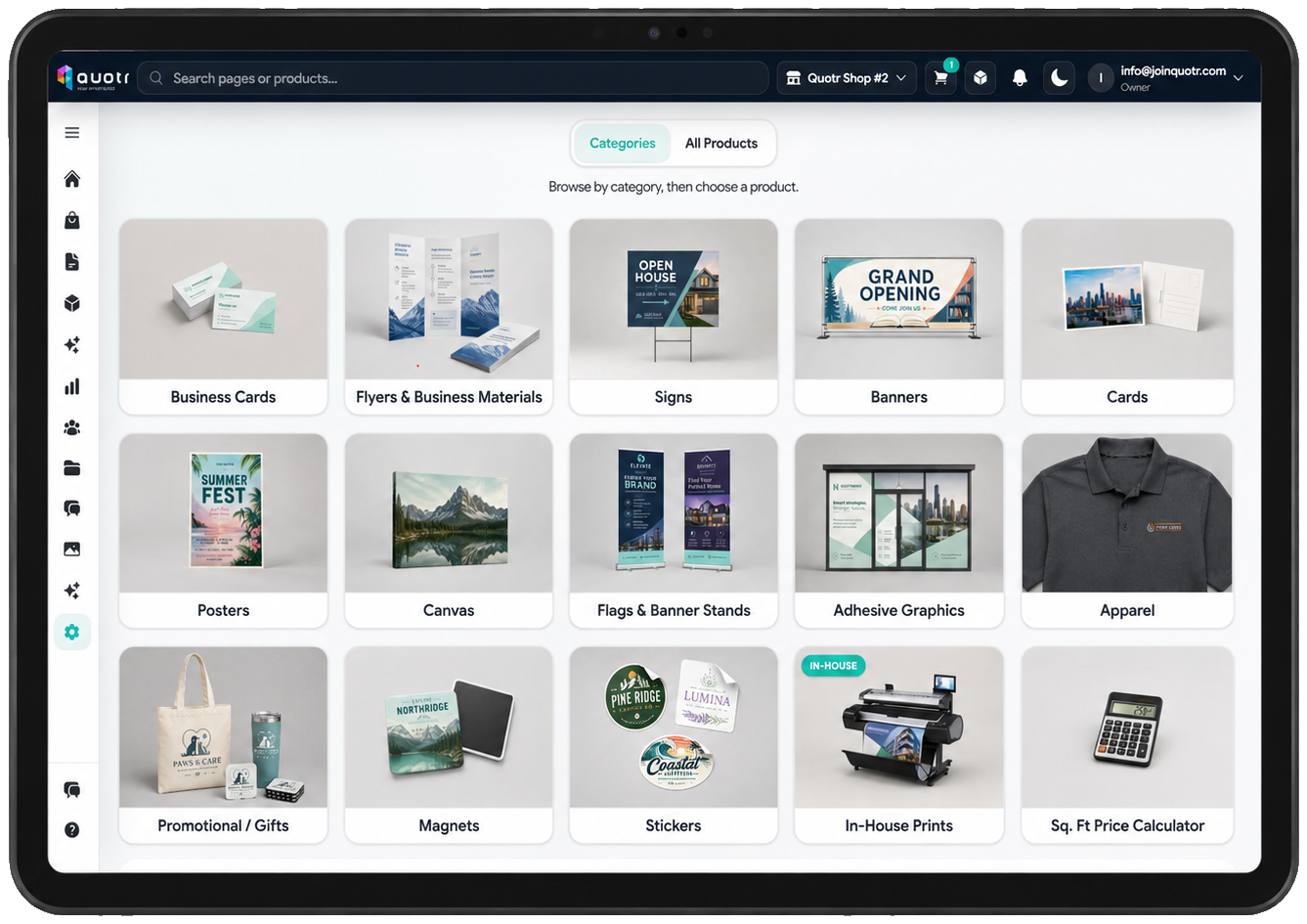
Built inside real print-store operations
Quotr was created from hands-on multi-store print operations experience—not adapted from a generic CRM or order form. The workflow is built around the questions associates ask, the pricing decisions managers make, and the production details stores need after the sale.
Products, files, pricing, finishing, production notes, payments, and customer history are treated as parts of one print job—not disconnected features.
Complex setup stays behind the scenes so counter teams can follow familiar choices, ask better questions, and confidently quote more work.
Start with one store and straightforward retail pricing, then add deeper costing, inventory, production routing, and multi-center control as needed.
What users are saying
“Quotr has completely transformed how I handle print jobs. It streamlines the order-taking process and makes it easy for associates to upsell jobs and sell more products. I absolutely love it—it’s a must-have for managing print!”
“Quotr has completely changed how we handle print at the counter. Our associates can quote in-house and outsourced jobs together in one workflow instead of juggling separate systems, which means customers get a real quote on the spot instead of a callback later. It's been a great fit for the store.”
Built from real store feedback
Quotr keeps product selection, pricing, files, payments, production details, and customer history tied to the same order—so your team spends less time rebuilding information and more time serving customers.

Try it out
Build a print order, see what your customer receives, and follow the job into production. Try it right here—no signup needed.
Start with business cards or a banner. Your selections stay with you through the entire demo. No real orders or emails are sent.
Counter-ready quoting
Build consistent quote paths for both in-house and outsourced products using your pricing, product options, equipment, and store policies—so newer associates can confidently handle more customer conversations.
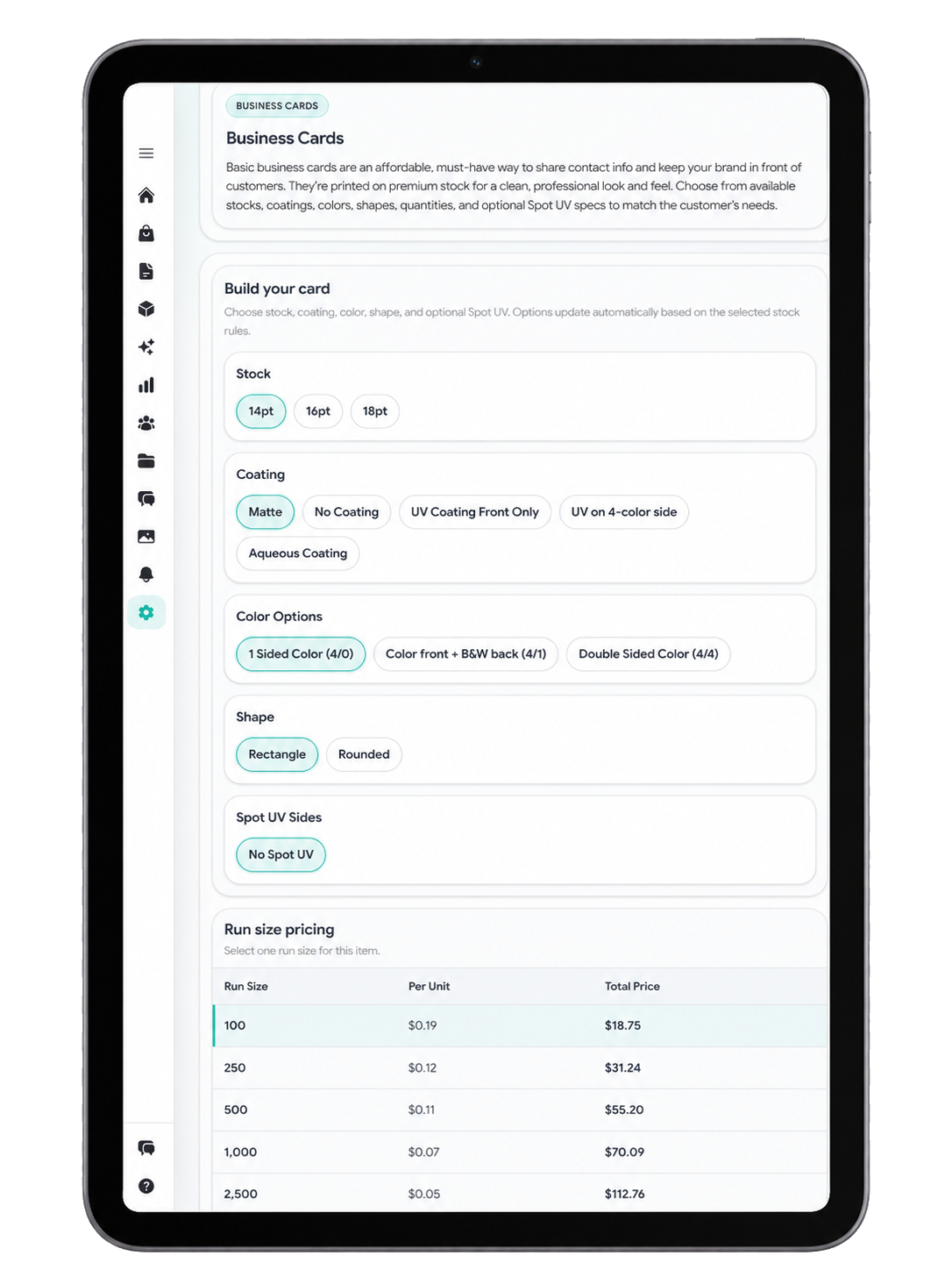
In-house products
Build a polished product catalog around your actual equipment and capabilities, then give associates only the approved choices and retail pricing.
Configure sizes, quantities, paper stocks, materials, finishing options, and add-ons around what your store can produce.
Enter retail prices directly for straightforward products, or use a cost model that factors in machine costs, material costs, labor, finishing, markups, and other production expenses.
Once a product is configured, every associate follows the same approved options and pricing.
Multi-center control
Multi-center owners can manage products, pricing, users, and store policies from one administrative account—while still giving each location the flexibility it needs.
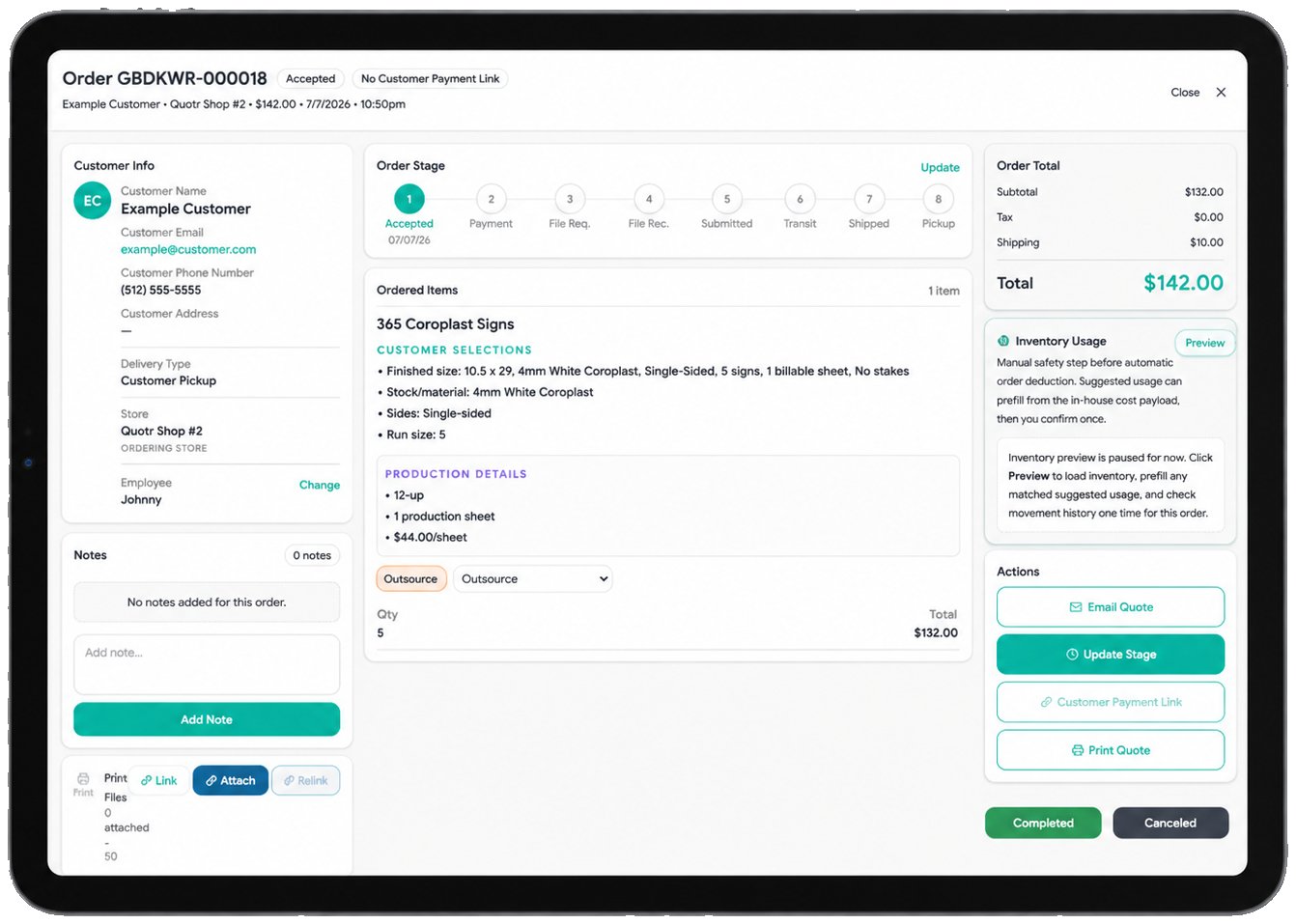
Mobile sales + customer payments
Walk into local sales conversations ready to browse products, build a quote, reference customer history, and keep the opportunity moving from your phone or tablet.
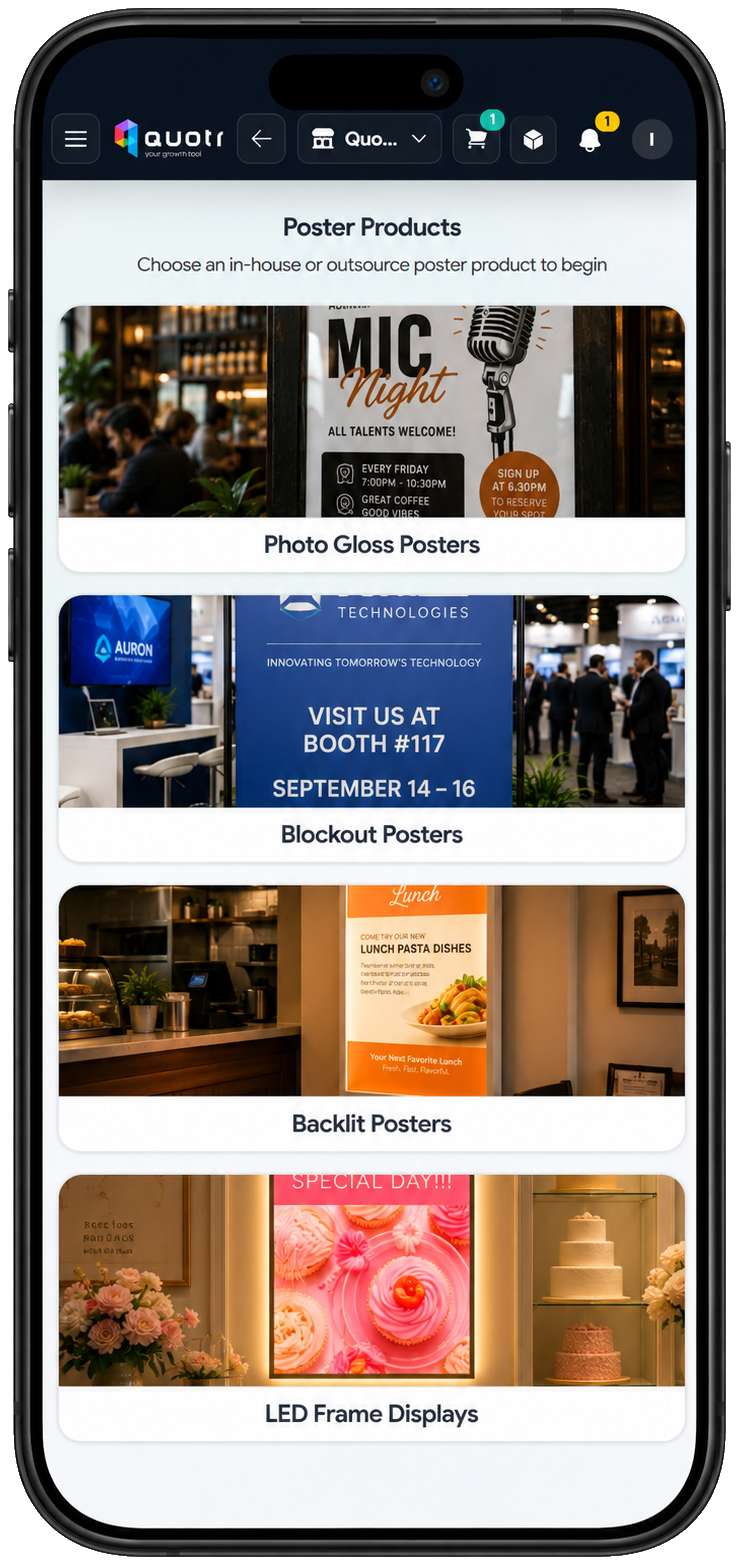
Reports + customer insights
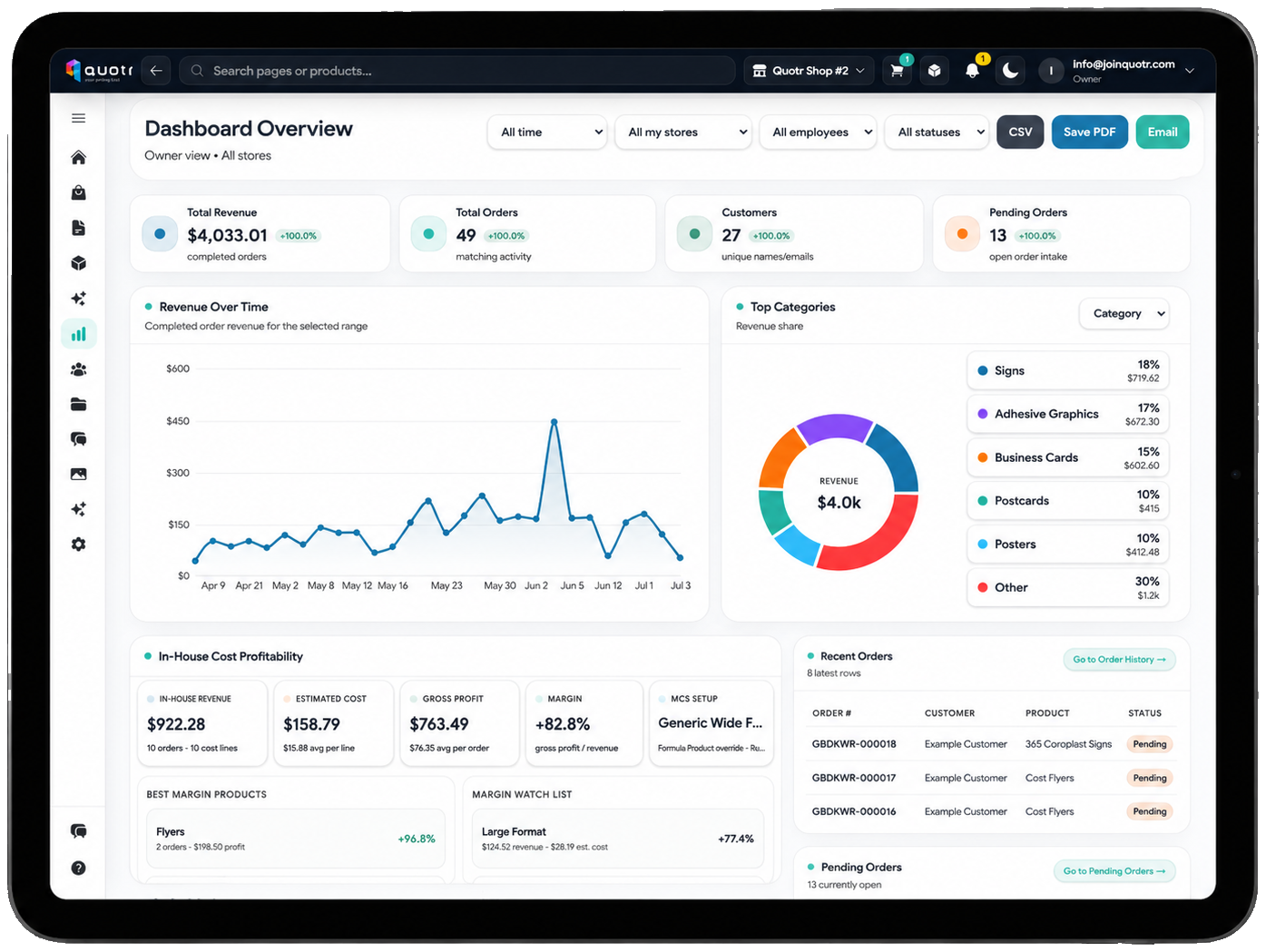
Track sales across products, stores, dates, employees, and customers. Then use customer records and previous orders to guide the next conversation.
Frequently asked questions
Quotr is designed to fit into a real store—not force every location into the same workflow. Here are the practical answers most teams want before beginning a trial.
Ask us something elseQuotr is focused on print quoting, customer files, order details, production workflow, payments, reporting, and follow-up. It can work alongside your existing POS rather than forcing you to replace every register or accounting function.
Yes. One order can include products made in your store, sourced from outside vendors, or routed to another participating production location. Your team still follows one customer-facing workflow.
Yes. Quotr is designed to support a broader outsource catalog rather than locking a store to one supplier. Available products and pricing depend on the catalog and vendor options configured for your account.
Yes. Multi-center owners can apply shared products and policies across an organization, then use store-level availability, pricing, or capability differences where needed.
Customer artwork can be uploaded and attached to the relevant order or product so files, notes, and job details remain together. Access is limited through account permissions and the services needed to operate the platform.
No. Quotr does not sell personal information or use store or customer data for targeted advertising. Information is disclosed only as needed to operate the service, process payments, deliver communications, maintain security, provide support, or comply with law. See the Privacy Policy for details.
Yes. Quotr is built for modern browsers and mobile use so teams can quote at the counter, on a tablet, or during an outside sales conversation. An app download is also available for supported devices.
You can begin with the ready-to-use outsource catalog and straightforward in-house retail pricing, then add equipment, materials, production costs, finishing, inventory, and deeper reporting as your store is ready.
Continued access requires an active subscription at the price and billing terms shown during signup. The current standard price is $24.99 per month per store, with no setup fee, and you can cancel future renewal through your billing options.
Simple pricing
Manage your products, pricing, users, and locations from one administrative account. Start with a 7-day free trial and cancel anytime.